
The AI Cost Planner is live
Steven · 2026-08-25
Comparing token rates is useful. Planning what happens after you pick a model takes a few more tools. The new AI Cost Planner brings usage inspection, migration research, budget routing, policy export, and conversation simulation into one workspace.
Set your expected input tokens, output tokens, monthly request count, cache-hit percentage, and budget at the top. Those shared values feed the migration planner, budget router, and policy exporter, so you only have to describe the workload once.
FEATUsage Receipt Inspector. Paste a usage response or upload a JSON, JSONL, or CSV file. The inspector recognizes common OpenAI and Anthropic token fields, totals input, output, cache-read, and cache-write usage, then estimates the spend. Everything is parsed locally in your browser.
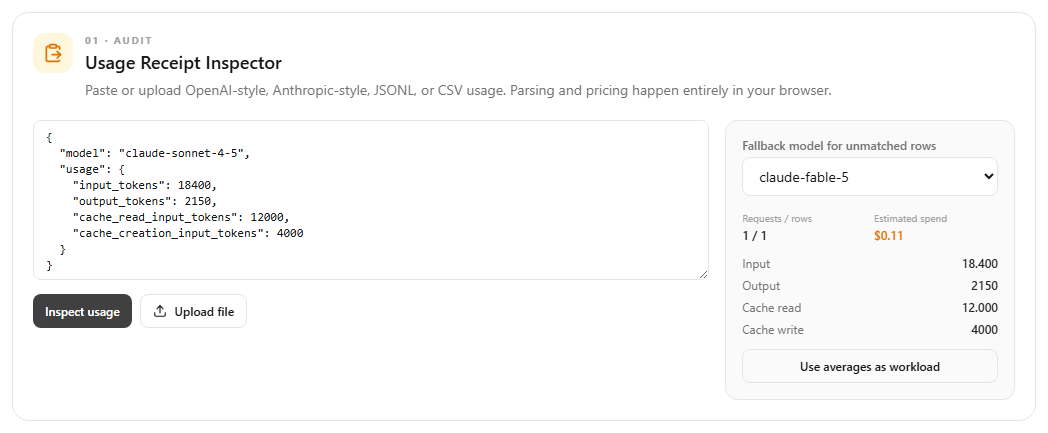
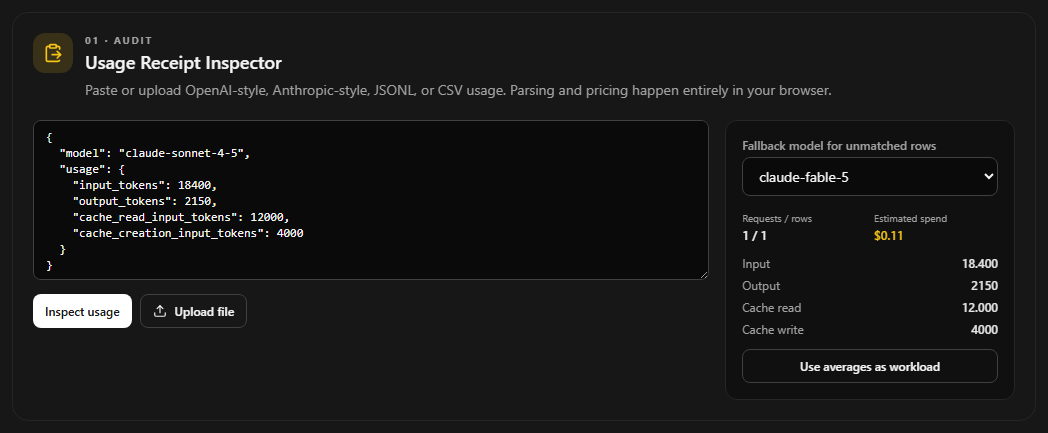
To use it, copy a usage object from an API response or export usage rows from your own logs. If a model name matches one in Tokens Boutique, its published rate is selected automatically. Pick a fallback model for rows with custom aliases or unknown names. Select Use averages as workload to carry the per-request averages into the rest of the Planner.
FEATModel Migration Planner. Choose the model you use today and the Planner finds lower-cost candidates that support the same input size and requested output length. Every row shows the projected monthly cost and savings for your workload.
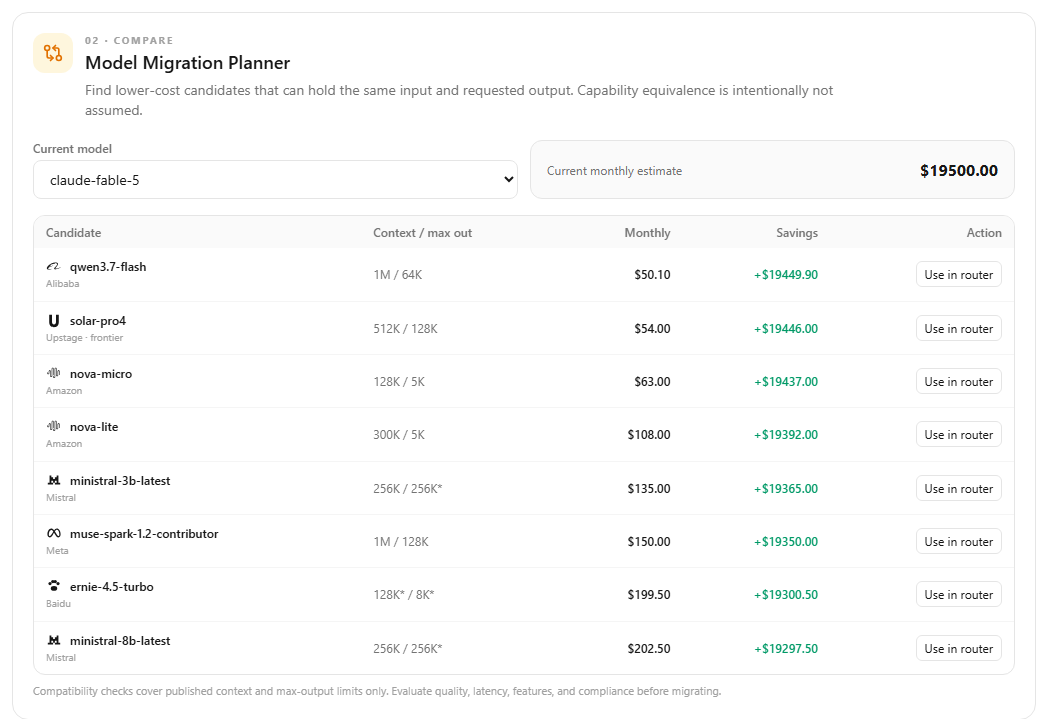
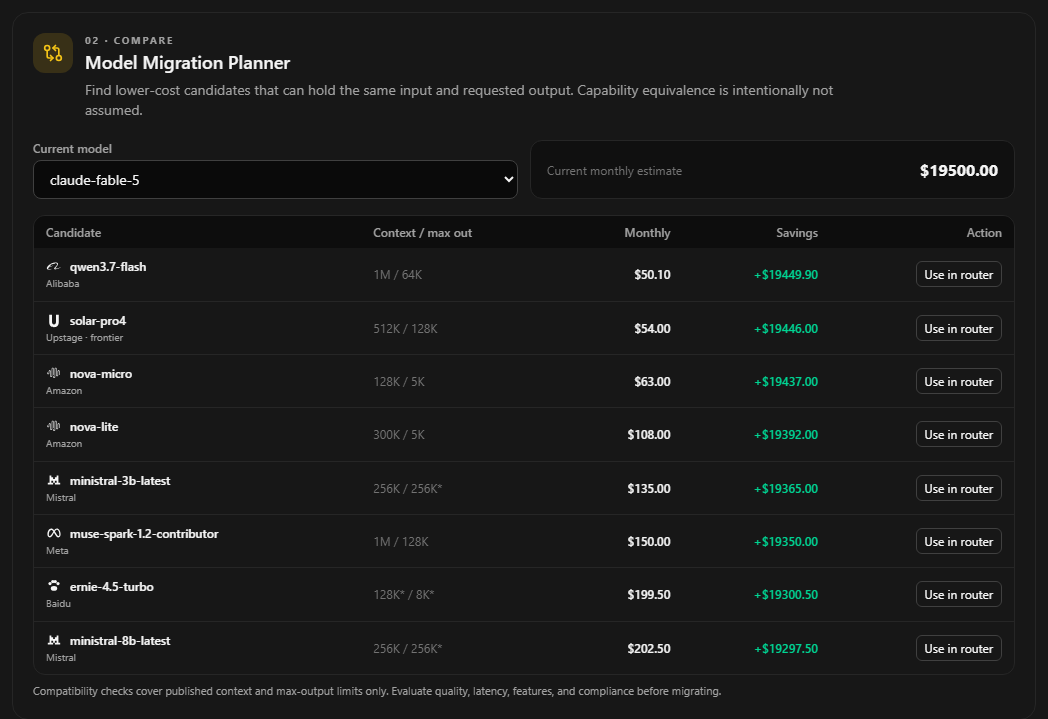
Start with your current production model, then review the candidates from cheapest upward. Use in router sends a candidate to the premium slot in the Budget Router. Context and output limits are checked from published model data. Quality, latency, tool support, regional availability, and compliance still need a real evaluation before you migrate traffic.
FEATBudget Router Builder. Pick a baseline model for normal traffic and a premium model for harder requests. The router calculates the largest premium share that fits inside your monthly budget, including the cache-hit assumption from the shared workload.
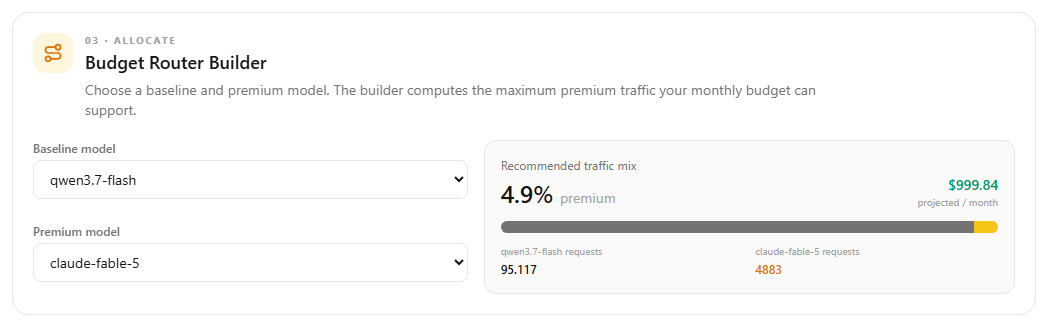
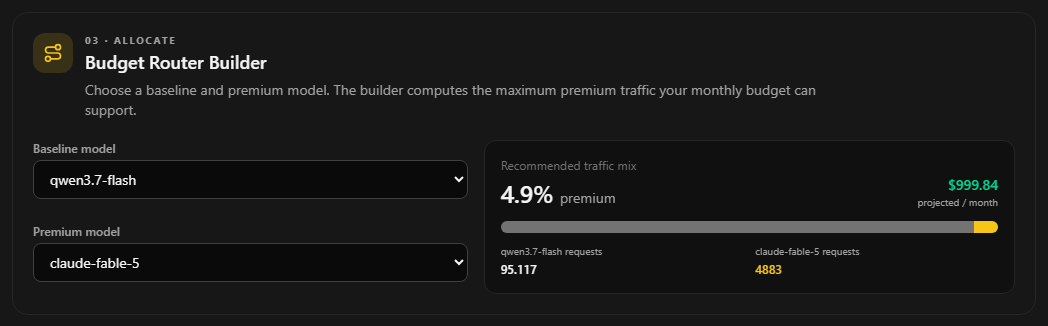
Use the baseline for routine work, then send the calculated premium share to requests that need more capability. If the baseline alone exceeds the budget, the Planner shows the shortfall so you can reduce traffic, choose another baseline, or change the budget. The traffic bar and request counts update immediately.
FEATPricing Policy Exporter. The current workload and routing decision can be copied or downloaded as JSON, YAML, or TypeScript. The export includes the monthly budget, token assumptions, cache-hit percentage, model IDs, fallback, and premium traffic share.
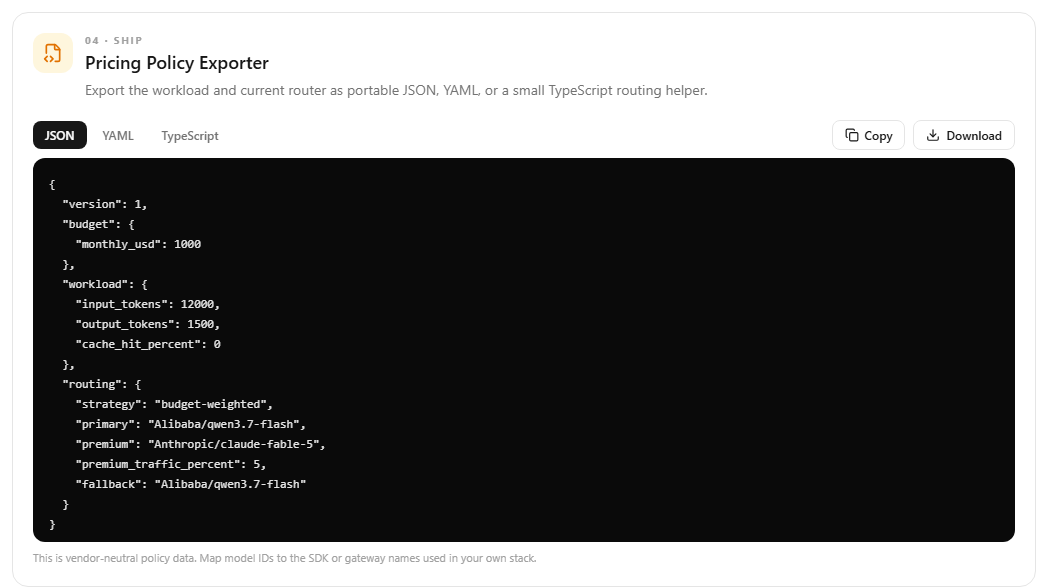
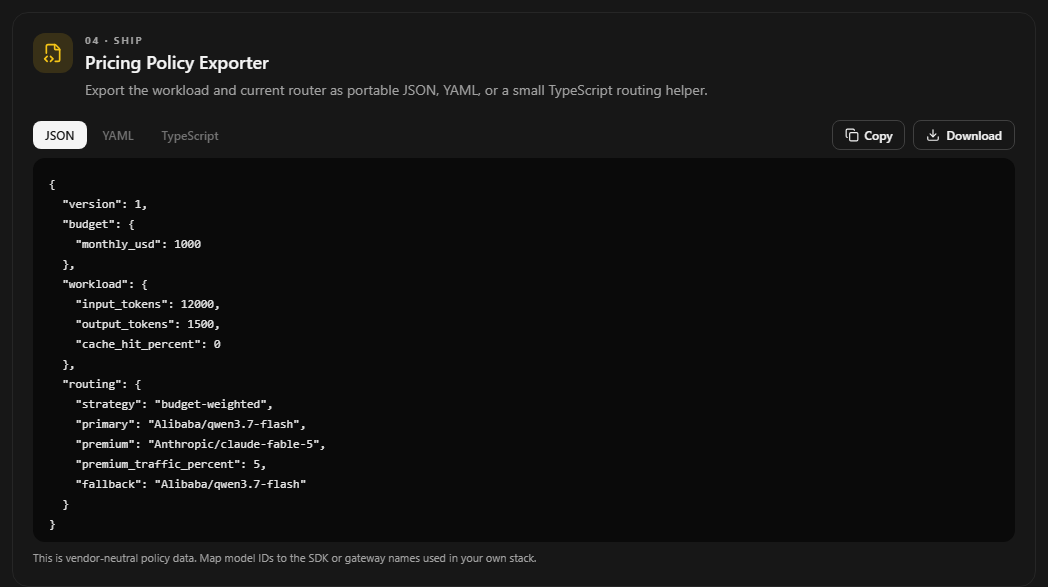
Choose the format that fits your stack. JSON and YAML work well as gateway or deployment configuration. The TypeScript version includes a small chooseModel helper for weighted routing. Model IDs are vendor-neutral, so connect them to the SDK, gateway, or internal aliases used by your application.
FEATContext Growth Visualizer. Configure the system prompt, tokens added by each user turn, reply size, number of turns, and how much history you retain. The chart shows how billed input grows on every turn and calculates the full session cost for the selected model.
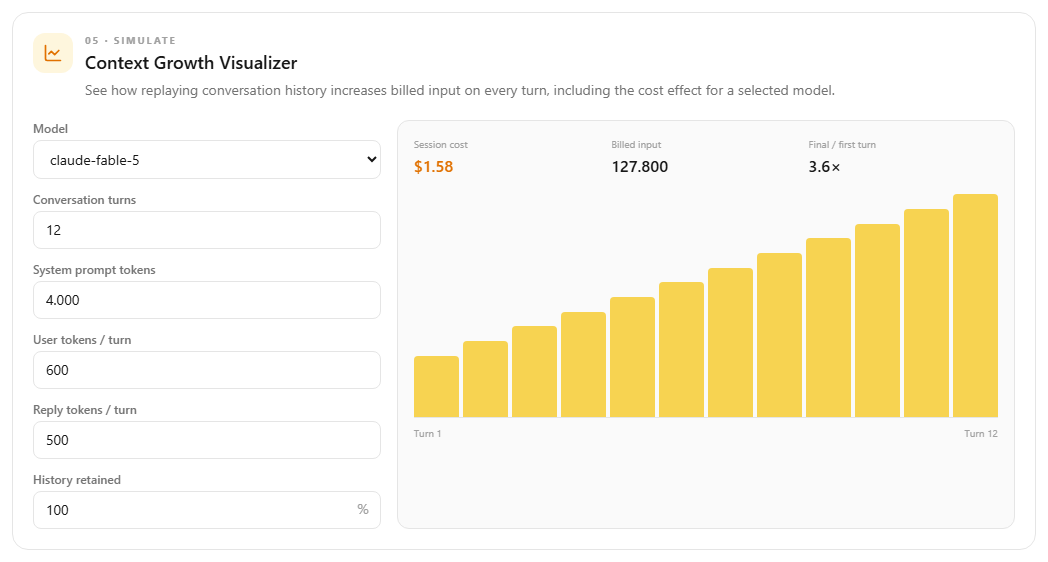
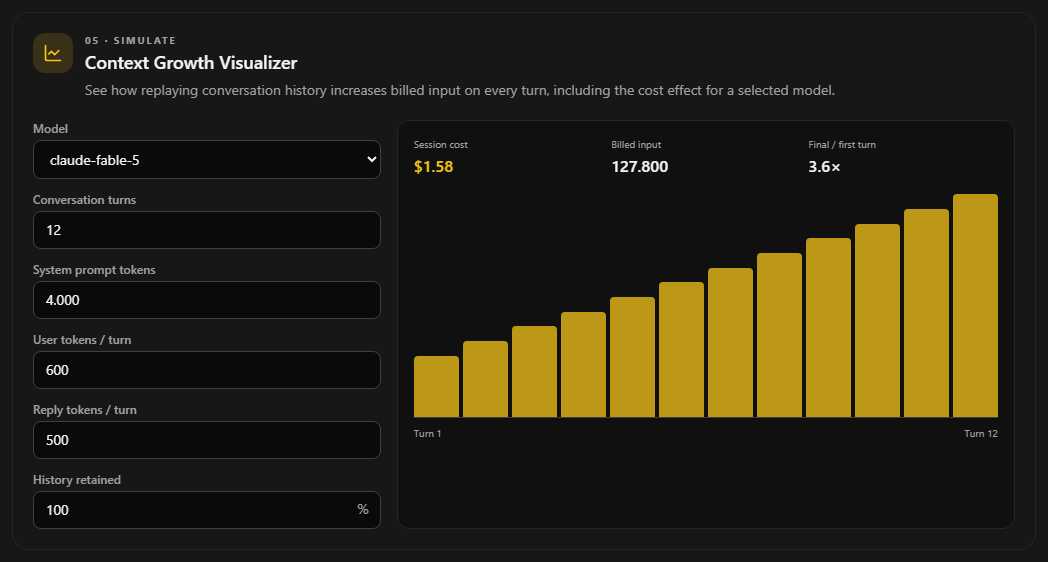
This is useful for chat products and agents that replay conversation history. Try lowering History retained to model summarization or a sliding context window. The final-turn multiplier makes the growth easy to see, and the Planner warns when the simulated conversation exceeds the model's published context window.
A practical workflow is: inspect a real usage sample, apply its averages, review migration candidates, build a traffic mix that fits the budget, export the policy, then simulate a longer conversation before shipping it.